
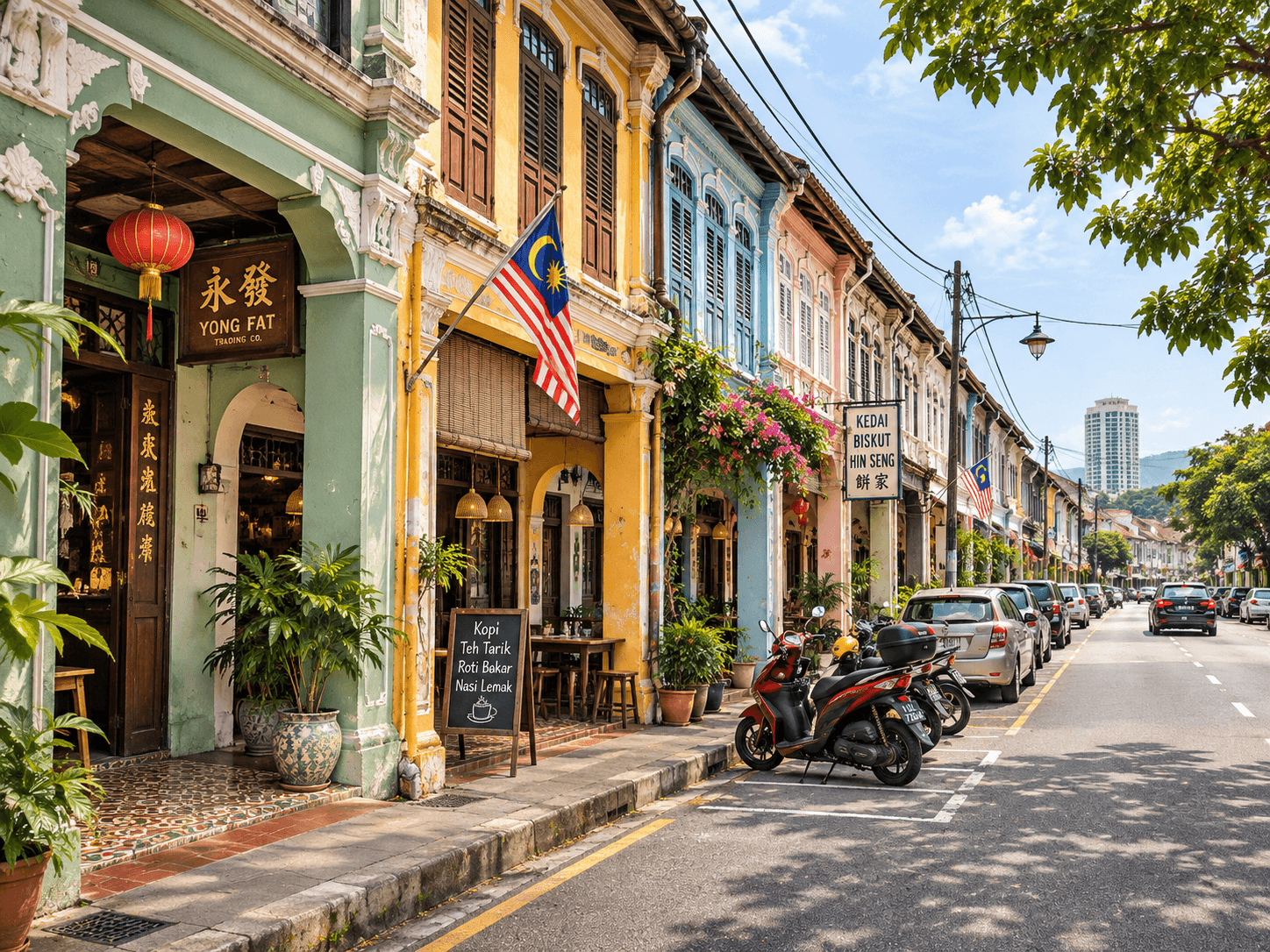
In Kuala Lumpur, your first task might be finding the right airport pickup point. In Penang, you may use your phone to navigate between cafés and shophouses in George Town. A day in Melaka brings a different set of needs, from saving your return ticket to finding your way back from Jonker Street. Here’s how to set up mobile data for all three stops.
Kuala Lumpur · Get online before leaving the airport
Save your hotel address and pickup instructions before your flight. After landing, turn on the travel eSIM, select it for mobile data, and enable data roaming on that line if your plan requires it. Briefly switch off Wi-Fi and load a map to check that mobile data works before booking a ride.

Penang and Melaka · Save the places you’ll need again
- George Town, Penang. Star your hotel, a few food stops, and a convenient pickup point. Download an offline map before heading out if your map app supports it.
- Melaka. Save your return ticket and departure point before walking around Jonker Street. If you’ve booked a driver, save the meeting point separately from the attraction you’re visiting.
Choose a plan for the whole itinerary
If all your stops are in Malaysia, start by comparing Malaysia eSIM plans. Check that the plan covers your route and lasts through your final travel day. For maps, messages, and ride bookings, estimate from a typical day out. Allow more data if you expect video calls or laptop tethering, and check whether your plan allows hotspot use.
If your route also takes you to Singapore or another destination, compare plans that explicitly list every stop where you’ll need mobile data.
Save these before you fly
- Your accommodation address and airport pickup instructions.
- Offline maps, onward tickets, and return pickup points.
- Your eSIM setup instructions and order number. Keep the QR code private.